RFID encoding quality
RFID label encoding and verification that controls every result
Define the data, calibrate the media, verify the electronic identity and keep failed labels out of the process with an application-led print-and-encode workflow.
Reviewed by the Oxford Traceability application team · Updated 25 August 2026
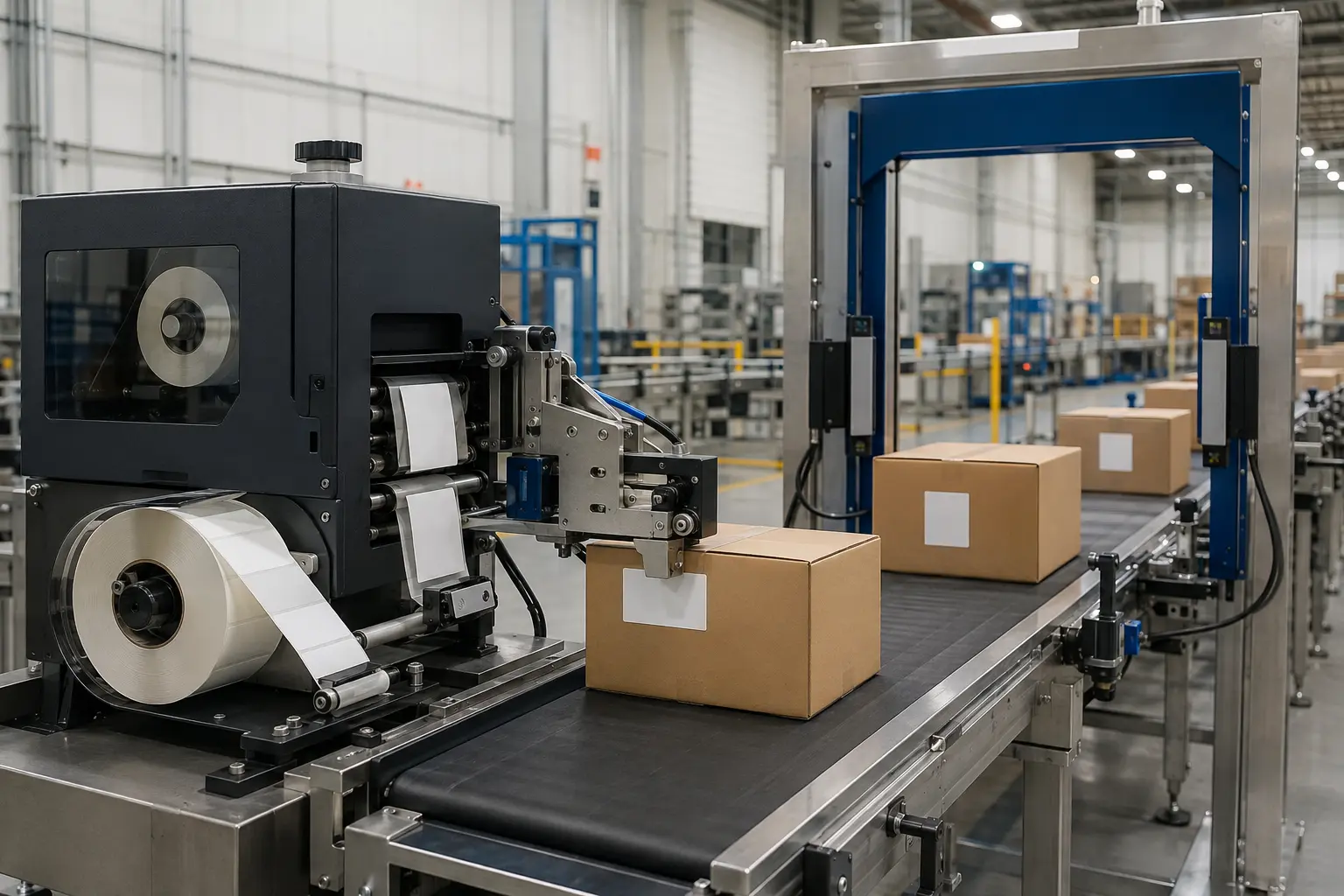
What good looks like
Print, encode, read back and control exceptions
Encoding success is not the same as sending a print job. A dependable process writes the intended data, reads the tag back, checks the result and prevents failed labels from reaching the product.
Five controlled stages
An RFID print-and-encode verification workflow
The exact controls depend on the printer, tag, data owner and host system.
Prepare
Validate the data
Check length, format, uniqueness and source before the job starts.Create the visible identity
Produce text, barcodes, symbols and human-readable serials.Encode
Write the RFID memory
Write EPC, user memory or an NFC payload as required.Verify
Read back and compare
Confirm the tag responds and the returned value is correct.Control
Handle the exception
Void, stop, reprint, alert or record according to the process risk.Troubleshooting map
Where to look when encoding becomes unreliable
| Observed issue | Checks to prioritise | Why it matters |
|---|---|---|
| Repeated void labels | RFID calibration, supported tag type, inlay position and damaged media | The encoder may be missing the inlay or using unsuitable settings. |
| Adjacent tag is affected | Programming position, power level, antenna selection and label pitch | The RF field can reach a neighbouring inlay if the setup is wrong. |
| Correct print, wrong data | Data mapping, serialisation rules, template fields and host response | Visual and electronic identity must stay aligned. |
| Works on roll, fails on product | Product material, liquids, metal, orientation and reader geometry | Encoding at the printer does not prove application read performance. |
Data definition
Agree what is written before configuring the printer
For UHF/RAIN RFID, this can include EPC, TID and user-memory rules. For NFC, it can include an NDEF record, URL or application-specific payload.
Discuss your data workflow- Identifier owner and number-allocation rule
- Expected memory bank or NFC record
- Uniqueness, duplicate and retry controls
- Locking, password or security requirement
- Verification result and audit evidence
- Host-system response if a tag fails
Authoritative references
Standards and setup resources
- GS1 EPC Tag Data Standard — how EPC and related data are carried on RAIN RFID tags.
- GS1 UHF Gen2 air-interface protocol — the UHF/RAIN communication standard.
- RFID calibration example — illustrates programming position and read/write setting calibration.
Frequently asked questions
Direct answers for your RFID project
Need an answer about a specific product, label or data workflow? Send us the details.
sales@oxfordtraceability.co.ukWhat does an RFID printer verify?
After writing data, the printer can read the tag back to confirm that encoding completed. A robust workflow may also compare the returned value with the expected EPC, identifier or payload and then control what happens if the result does not match.
Why does an RFID printer print VOID on a label?
VOID normally marks a tag that could not be encoded or verified. Common checks include RFID calibration, tag compatibility, inlay position, read/write power, data format and damaged media. The failed label should be kept out of the usable production flow.
Is RFID calibration the same as normal label calibration?
No. Normal media calibration finds label gaps or marks and print position. RFID calibration determines how the encoder communicates with the inlay, including programming position and read/write settings. Both may be required for reliable operation.
Can RFID data be checked against a database?
Yes. The print-and-encode job can be designed so the expected identifier comes from an approved data source and the verified result is recorded or compared. The exact method depends on the label software, printer language, middleware and host system.
Make the next decision easier